PlayOJO Payment Methods UK: Deposits, GBP and Cashier Options
 Available in GB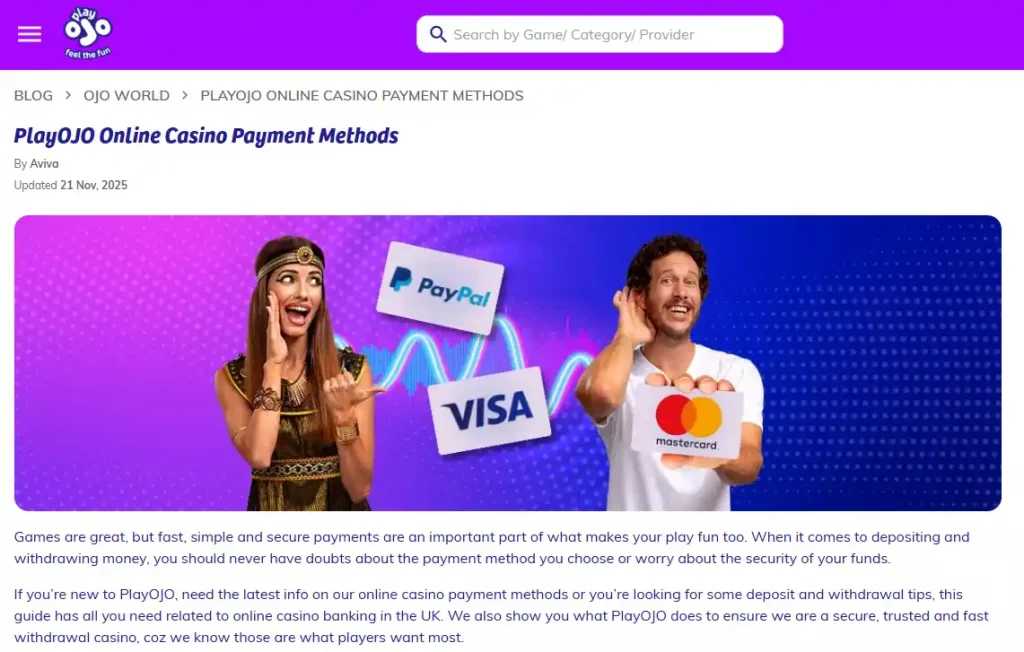
Deposits, GBP and cashier choices
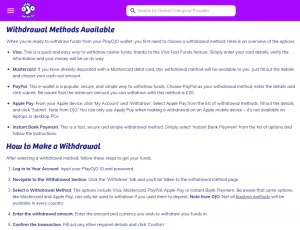
UK PlayOJO accounts use GBP for deposits, withdrawals and gameplay. Current PlayOJO banking material lists Visa and Mastercard debit cards, PayPal, instant bank payment, Trustly and Apple Pay among the UK deposit options, subject to what the Cashier shows for the individual account. Most deposit routes are designed to credit quickly, and PlayOJO states that it does not charge UK players a deposit fee. Withdrawals are handled separately in the PlayOJO withdrawals guide because the available return route, verification and processing steps can differ from the initial deposit.
Table of Contents
- PlayOJO payment methods at a glance
- Which deposit methods can UK players use?
- UK PlayOJO accounts use GBP
- Debit cards, PayPal and bank-based methods compared
- How PlayOJO's deposit process works
- Deposits and withdrawals are related but not identical
- Deposit limits are changing on 30 September 2026
- Why cashier availability matters more than a static payment list
- Choosing a method before the first deposit
- Fees, security and what PlayOJO controls
- Which PlayOJO banking route is simplest for a UK account
PlayOJO payment methods at a glance
| Method family | Deposits | Withdrawals | Practical note |
|---|---|---|---|
| Visa / Mastercard debit | Supported | Supported where available | Familiar card route; the Cashier shows account-specific availability. |
| PayPal | Supported | Supported | Requires a PayPal account; PlayOJO currently lists a £10 deposit minimum on its PayPal page. |
| Instant bank payment | Supported | Supported | Connects through online banking rather than a card or e-wallet. |
| Trustly | Supported | Supported after using it to deposit | Bank-to-bank route; exact cashier terms should be checked before use. |
| Apple Pay | Supported on compatible Apple devices | Availability can be more limited | Useful for Apple users, but device and account conditions matter. |
Which deposit methods can UK players use?
PlayOJO’s current UK deposit guide names six main options: Visa debit, Mastercard debit, PayPal, Trustly, instant bank transfer and Apple Pay. The broader payments guide groups them into debit cards, e-wallets and instant bank payments, which is a more useful way to compare them than creating a separate decision process for every brand logo.
Debit cards are the simplest route for players who want to use an existing bank card. PayPal separates the casino transaction from direct card entry by using the PayPal account as the payment layer. Trustly and instant bank payment connect more directly to online banking. Apple Pay provides a wallet-style route for compatible Apple devices.
Not every payment method appears for every account at every moment. PlayOJO states that the cashier shows the methods available for the player’s country and account context, so the options visible there determine which routes can actually be used for that transaction.
UK PlayOJO accounts use GBP
PlayOJO states that UK deposits, withdrawals and gameplay are handled in pounds sterling. That matters because it avoids the need to translate the on-site balance into another base currency when reading deposit amounts or setting a personal budget.
Using GBP does not guarantee that an external payment provider will never apply its own conditions. A bank, e-wallet or card provider may have separate rules that sit outside the casino’s own fee policy. For the casino side, however, PlayOJO currently says UK deposits are free of PlayOJO charges.
Currency is also one reason the cashier view should be checked after PlayOJO registration. The available methods, minimum displayed amount and account-level restrictions are shown in the environment tied to the actual account rather than in a generic marketing list.
Debit cards, PayPal and bank-based methods compared
Debit card
Useful if you want a familiar Visa or Mastercard route without opening another payment account. Deposits are generally intended to be immediate, while any later withdrawal path is shown in the Cashier.
PayPal
Useful if you already keep PayPal funded or prefer an e-wallet layer between the casino and your bank card. PlayOJO’s current PayPal page lists both deposits and withdrawals.
Bank-based
Instant bank payment and Trustly can suit players who prefer authorising through online banking rather than entering card or e-wallet details.
Apple Pay fits a fourth use case: players already using an Apple Wallet on a compatible device. It can make the deposit step compact, but it is still worth checking the withdrawal route separately because deposit and cash-out support are not always identical for every method.
How PlayOJO’s deposit process works
The current PlayOJO deposit guide describes a straightforward sequence. After logging in, the player opens the Deposit area, chooses one of the methods shown in the Cashier, enters an amount and follows the method-specific authorisation step. Debit cards require card details, PayPal uses the PayPal flow, and bank-based methods move the approval into the relevant banking environment.
Most current deposit options are described by PlayOJO as fast or instant. That does not make an instant result guaranteed in every case: the external bank or payment provider can still decline, delay or require additional authentication. The important distinction is that the casino itself is not presenting a long manual processing queue as the normal deposit flow.
PlayOJO’s recent deposit information states a £10 minimum across its methods, while individual method pages can also show method-specific figures. The amount displayed in the cashier immediately before a deposit is the operational figure for that account and method.
Deposits and withdrawals are related but not identical
A payment method being available for deposits does not automatically mean the exact same route, minimum or device support applies to withdrawals. PlayOJO’s current banking guidance says the methods visible in the withdrawal area depend partly on what has already been used to deposit. It also says the deposit method is usually the route used to return funds, with exceptions for deposit-only methods.
That same-method principle is useful for choosing a deposit route. If you know you would rather cash out to PayPal than to a card, for example, it is worth checking that PayPal is available for both directions before making the first deposit. Trustly likewise currently states that a Trustly deposit must have been made before Trustly becomes a withdrawal option.
Exact withdrawal timings, method-specific limits and verification details belong on the dedicated withdrawal page because they are higher-risk and more changeable than the broad deposit-method list. This parent page deliberately stops at the cashier structure rather than blending every cash-out rule into a deposit comparison.
Deposit limits are changing on 30 September 2026
The UK Gambling Commission has confirmed revised Remote Gambling and Software Technical Standards for financial limits that take effect on 30 September 2026. The revised RTS 12B wording says that, as a minimum, remote gambling systems must offer gross deposit limits and that only limits meeting that definition can be called a deposit limit.
The required timeframes must include 24 hours, seven days and one month. If a customer sets more than one timeframe at once, the most restrictive applicable limit must take precedence. The system must also stop further deposits once the limit is reached until the defined period restarts or the customer takes action to increase the limit, subject to the standard 24-hour cooling-off period.
This is a regulatory rule about the structure and enforcement of deposit limits, not a statement that the casino chooses a recommended spending amount for the player. The amount remains a personal control. PlayOJO’s existing safer-gambling material already describes daily, weekly and monthly deposit-limit tools, but the regulatory terminology and implementation requirements are being standardised at the end of September 2026.
Why cashier availability matters more than a static payment list
Payment availability can change when a method is added, temporarily unavailable, limited by device or affected by account status. The cashier reflects those account-specific conditions at the point of the transaction.
This is especially important for Apple Pay and bank-connected methods. Apple Pay depends on a compatible Apple device and configured Wallet, while Trustly and instant bank payment depend on supported banking connections. A method that is generally supported by PlayOJO can still be absent for a particular user because of account or provider conditions.
Maximum deposit amounts can also depend on the account and method. PlayOJO directs players to the cashier for account-specific maximums rather than publishing one universal ceiling across every payment route.
Choosing a method before the first deposit
A first deposit can shape what appears later in the withdrawal area, so it is worth thinking one step ahead. If you already know that you prefer an e-wallet or direct-bank return route, check whether that same method is available for withdrawals before using it to fund the account. This avoids choosing a deposit route only for convenience and then discovering that the later cash-out path works differently.
The same check is useful when a welcome promotion is involved. The payment method itself and the bonus are separate decisions: a method can be perfectly valid for depositing while the promotion has its own qualifying conditions. Read the offer terms first, then open the Cashier and confirm that the intended payment option is available on the account. The full PlayOJO review keeps the broader product context separate from these transaction mechanics.
Finally, decide the personal deposit limit before treating the Cashier as a spending prompt. The most useful limit is one based on a pre-set budget rather than the maximum the account will accept. That distinction becomes even more important once the revised RTS 12B terminology takes effect, because the regulatory rule standardises how deposit limits are described and enforced but does not choose an appropriate amount for the individual player.
Fees, security and what PlayOJO controls
PlayOJO currently states that it does not charge UK players for deposits and that it does not charge withdrawal fees. That is a claim about PlayOJO’s own charges. It should not be stretched into a promise that an external bank or wallet provider can never impose a cost under its own terms.
The most practical security habit is to open the Cashier from the logged-in PlayOJO account rather than following an unexpected payment link. Method-specific authentication then happens through the card issuer, PayPal, Apple Wallet or banking connection as appropriate. For broader licensing context, the PlayOJO licence page explains the operator’s Great Britain regulatory status separately from payment-method mechanics.
If a transaction is declined, first check the account balance, personal deposit limit and the payment provider’s authentication step. A failed deposit does not by itself show that a method has been removed from PlayOJO; it can also be caused by bank controls, insufficient funds or an account-level restriction.
Which PlayOJO banking route is simplest for a UK account
The simplest route is usually the one you already use comfortably and that appears for both the transaction you want now and the likely withdrawal route later. Debit cards are familiar, PayPal is useful for existing e-wallet users, Trustly and instant bank payment suit direct-bank preferences, and Apple Pay is convenient for compatible Apple devices.
Whichever method you choose, three checks matter more than marketing labels: confirm that it appears in your live Cashier, confirm the displayed minimum and any account-specific limit, and decide how it will interact with your personal deposit limit. Those checks make the payment choice practical without assuming that one method is universally fastest or best for every UK player.